


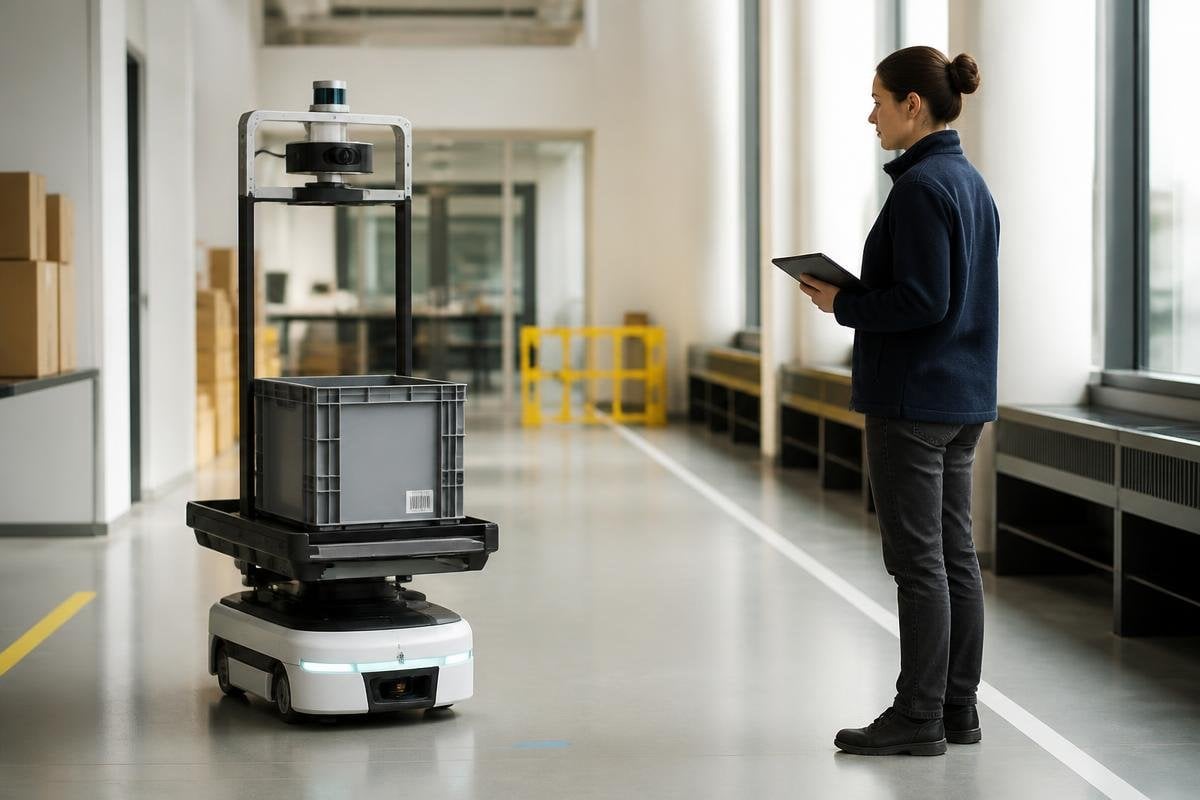
Serving people safely requires a clear job, a safe stopping point, and a person who remains responsible for the result. That sounds plain because it is. The hard part begins when a machine moves from a controlled demo into a home, hospital, street, or workplace.
Quick read
- Define the task before choosing the robot
- Keep human control over safety and major decisions
- Test the machine where people will actually use it
Give the robot a narrow job
Useful work starts with a task that can be described in one sentence. “Move sealed boxes between two marked areas” gives a team something they can test. “Help people” leaves too much open.
The task should include its limits. A warehouse robot may carry a load across a set route, then stop when its sensors lose track of the floor. A home robot may pick up a marked object, while a person handles fragile items and anything outside the robot’s reach.
This boundary helps in two ways. It gives engineers a clear target, and it tells people what the machine will do when conditions change. A robot that stops and asks for help is easier to manage than one that hides a failed step behind a confident movement.
Keep people responsible
The machine can detect an obstacle, plan a route, or move a tool. A person still needs to decide who may use it, which jobs it may perform, and what happens after a fault. Those decisions belong in the system before the first machine arrives.
Human control also needs a physical form. An operator should have a clear stop control, a way to see the robot’s status, and a simple path to take over. Instructions should explain the warning lights, the safe distance, and the steps after an emergency stop.
The handoff matters. If a robot pauses during a task, the person should know why it stopped and what action will let it continue. A message such as “arm blocked at joint 3” gives useful direction. “Error” does not.
A clear stop message also needs a record of where the robot works. Robot 24 can tie claims about human control to a named machine, task, test site, and date before the article tests the place, not the promise.
Test the place, not the promise
The same machine can work well on a clean floor and struggle beside a crowded workbench. It can identify a box under bright lights and lose it when a shadow covers the label. Testing needs to include the dust, noise, people, cables, surfaces, and interruptions found in the planned setting.
The team should record the cases that make the robot stop or ask for help. Those records show where the design needs more work. They also give managers a better basis for deciding how many people must remain nearby.
A trial should measure the result that matters to the task. That may be safe handoffs, completed runs, stopped runs, or time spent waiting for an operator. A smooth demonstration says little if the robot cannot handle the normal mess of the work area.
Treat data as part of the machine
Robots often use cameras, microphones, maps, or location data. People need to know what the system collects, where the data goes, and how long it stays there. The answer should be easy to find before use begins.
Data access needs limits too. A worker may need to see a robot’s fault log without seeing private footage from another area. A home user may want the robot to map a room without sending that map outside the home.
The design should also account for failure. If a network connection drops, the robot needs a safe local response. If a sensor gives a bad reading, the machine should slow down or stop rather than continue with an unverified assumption.
A practical check before deployment
Use this list before a robot meets the public or joins a work area:
- Name the task: Write down the exact job, load, route, and stopping point.
- Set human control: Place the stop control where an operator can reach it quickly.
- Test normal mess: Run the robot around people, shadows, noise, loose cables, and blocked paths.
- Record failures: Count stops, wrong moves, damaged items, and requests for help.
- Explain the data: Tell people what the robot records, who can access it, and when deletion occurs.
- Plan the handoff: Decide who takes control after a fault and how the robot returns to work.
A machine that serves people should make its limits visible. I’d rather see a machine stop often during early trials than one that keeps moving while its operator guesses what went wrong.
The next step is a small, measured deployment with a named task, a reachable stop control, and records that show what the robot does when real conditions break the plan.
